Insta360 Stabilization for Mac
Native Mac gyroscope stabilization for Insta360 Ace Pro. Real-time GPU preview. Apple Silicon-optimized. AI motion blur. The Mac App Store alternative for Insta360 post-production stabilization.
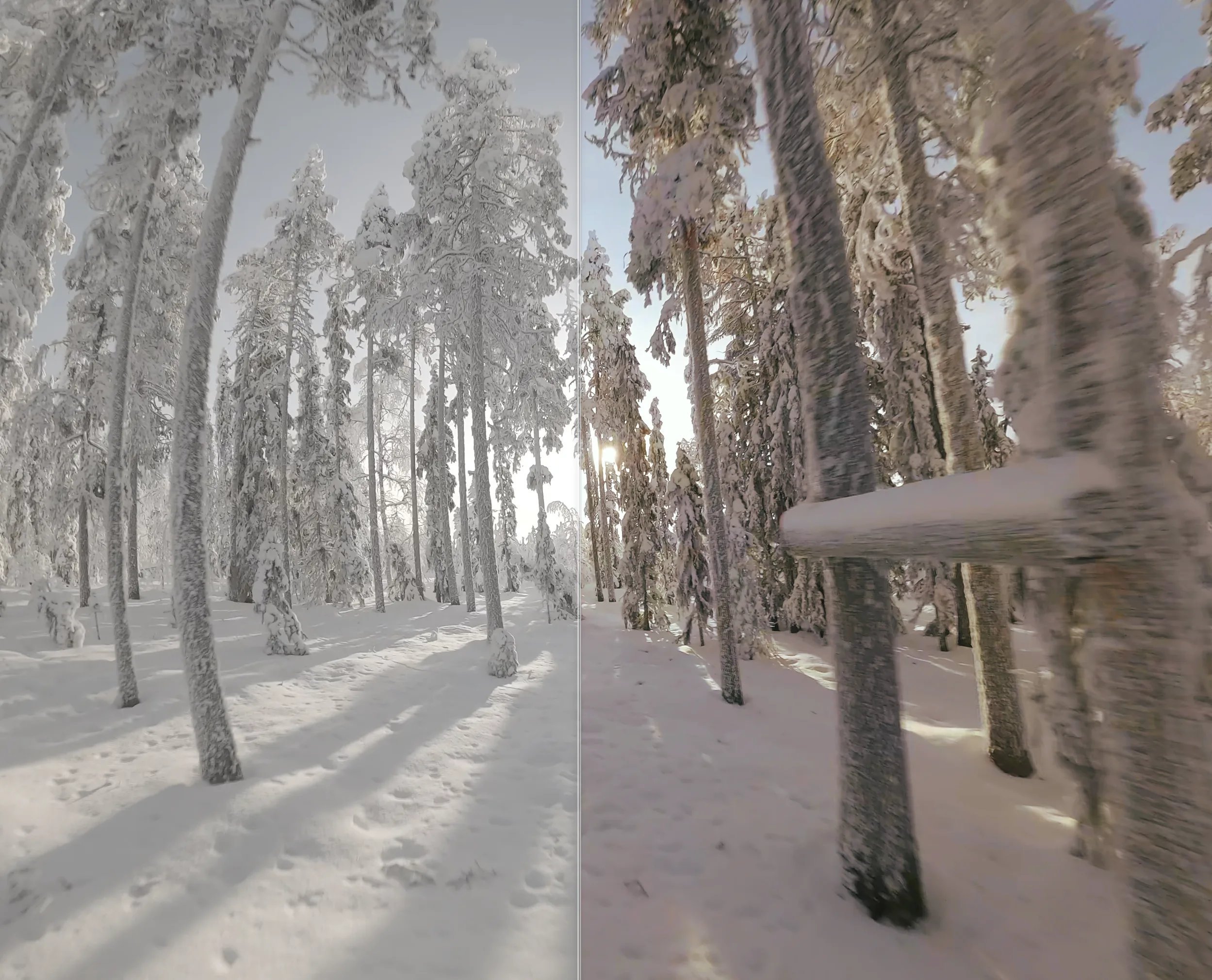
Why post-prod stabilization for Insta360
Insta360 cameras ship with FlowState, a strong in-camera stabilization system. But FlowState bakes the result into the recording: the stabilization, crop, and horizon are fixed. If you want to recover original framing, push smoothness further, or add cinematic motion blur, you need to stabilize in post.
Unshake reads the embedded gyroscope stream from your Ace Pro .mp4 and applies frame-accurate stabilization on your Mac, with full control over smoothness, horizon lock, FOV, and per-clip parameters.
Supported Insta360 cameras
- Insta360 Ace Pro
Insta360's 360 cameras (X3, X4) record reframable spherical video, so they don't need post-prod stabilization in the traditional sense — Insta360 Studio handles those. For the flat / action-style Ace Pro, Unshake is the Mac-native gyro stabilizer.
FAQ
Which Insta360 cameras work with Unshake?
Insta360 Ace Pro is supported. Unshake reads the embedded gyroscope telemetry from Ace Pro .mp4 files.
What's the advantage over FlowState?
FlowState bakes stabilization into the recording. Unshake stabilizes in post, giving you finer control over smoothness, horizon lock, FOV and re-framing — plus AI motion blur and AI denoise on Apple Silicon.
Does Unshake support 360 cameras?
Not currently. Insta360's own Studio handles X3/X4 spherical reframing. Unshake focuses on flat-image action cameras where gyroscope-based EIS is the right tool.